United States
US Driver License Photo Online Editor
Make a driver license photo in an instant from the comfort of your home!


 Compliance
check


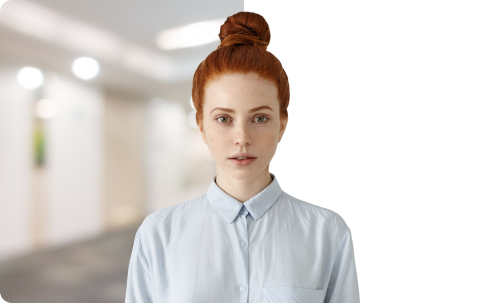
- Select country & document type and load your photo
- Let the program crop & change size of your photo according to the official requirements
- Pick a new photo backdrop or keep the original one
- Get your US driver license as a digital photo or PDF
Get Your Driver License Photo the Way You Like

from our website

by email

Document & Photo Requirements for US Driver License Application
List of what to do & what documents to bring for a driver license application:
- Schedule an appointment in DMV office
- Pass vision, theory and driving tests
- Bring proof of identity and residency
- Pay the application fee of your state
- Provide your social security number
- Prepare a driver license photo
Some steps may vary by state, so check with your state's Department of Motor Vehicles (DMV).
General government requirements for a driver license photo in the US:
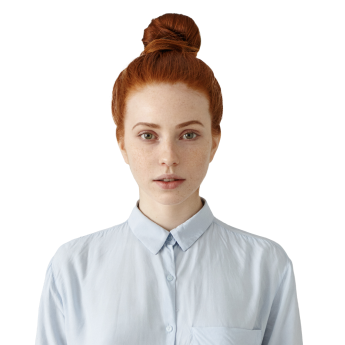
- 2 x 2 inches (51 x 51 mm) photo size
- 1 to 1.4 inches from chin to top of head
- Casual clothing – no headwear or glasses
- Resent photo, taken within the last 6 months
- Light background without patterns or shadows
- Full face front view – neutral expression, eyes open
Easily comply with US government regulations by using PhotoMachine online photo maker.
Reviews


FAQ
What are the US driver license photo size requirements?
You need one color photo with a resolution of at least 600 x 600 pixels and no larger than 1200 x 1200 pixels. The size of your US driver license image should be 2 x 2 inches (51 x 51 mm).
Can I wear glasses in my driver license picture?
No, glasses are not allowed in a US driver license photo. If you wear prescription glasses, you must remove them before taking the picture. The same rule applies to sunglasses and tinted lenses.
What clothing is acceptable for a driver license photo?
You should wear casual, everyday clothing that provides good contrast against a light background. Uniforms, camouflage, and official attire are not allowed. Head coverings are permitted only for religious or medical reasons as long as your full face is visible.
Can I take a photo for my US driver license at home?
Sure! To create a compliant driver license photo from the comfort of your home, you can use PhotoMachine. Just upload a clear portrait, and the photo editor will automatically adjust it to meet official size, background, and format requirements.
How can I print the headshot for my driver license?
To print a photo for your US driver license application, it’s important to follow specific requirements. You can do it at home using a printer with ink cartridges designed for photo printing, but make sure to use high-quality paper. Alternatively, you can visit a local photo studio or major retailers like Walmart, Walgreens, or CVS. These stores have printing kiosks where you can upload your digital photo directly from your phone or USB drive. They are familiar with the requirements for official ID images and can help check if it meets the needed guidelines.
What documents do I need to get a US driver license?
The list of documents varies from state to state, so check with your local DMV for specific details. In general, you need to provide proof of identity (US passport or birth certificate) and proof of residency (such as utility bills or bank statements). You'll also need to fill out a driver license application and pay the applicable fees. Depending on the state you are in, you may also be required to take vision and written tests. If you're a new driver or moving from another state, you may also have to take a driving exam.