Australia
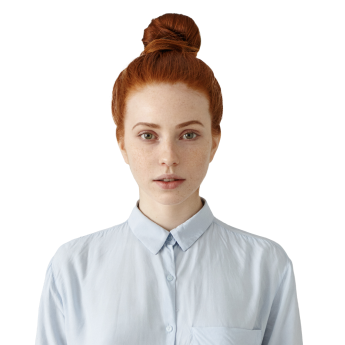
Make an Australian Driving Licence Photo Online
Get your driver licence photo for Australia as easily as 1, 2, 3


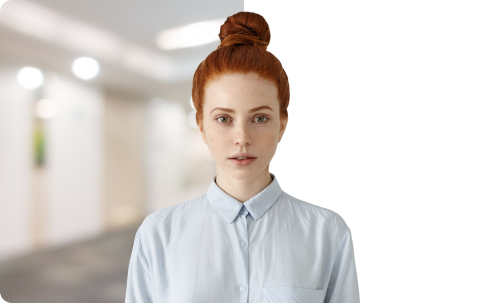
 Compliance
check


- Select Australia and the document type
- Choose and upload the driver‘s picture
- Change the background if necessary
- Save driving licence photos for Australia
Get Your Driving Licence Photos the Way You Like

from our website

by email

Australian Driving Licence: Documents & Photo Requirements
List of Documents to Prepare for Your Driving Licence
- Australian citizenship or naturalisation documentation
- Two compliant driving licence photos
- Evidence of your current address
- Your driving licence payment
- Original birth certificate
Official Driving Licence Photo Requirements in Australia
- Filters, photo retouching, and red eye effect
are not allowed - Plain white or light-coloured background
- Must be taken within the last 6 months
- 600 dpi picture resolution
- 35 x 45 mm size, in colour
Reviews


the Australian driving licence in the database. PhotoMachine is a real lifesaver!

FAQ
What is the size of a driving licence photo in Australia?
35x45 mm (3.5x4.5 cm) is the photo size required for the Australian driving licence. To meet the requirements, make sure the head height (up to the top of the hair) is 35mm. The distance from top of the image to the top of the person’s hair should be 3mm.
How do I print the Australian driver licence photo?
To get the best end result for your driving licence application, you should print the photos using photo-quality paper. The type of printer is also crucial - you cannot use an inkjet printer. To be sure the driving licence photos meet the size requirements, crop them first with an online tool like PhotoMachine.
How many pictures do I need for a driver licence in Australia?
You need 2 identical photos for your Australian driving licence. It’s not mentioned in the requirements, but we recommended you make additional copies of your photos as well.
Can you wear makeup when taking a driving licence photo?
According to the requirements, your facial features should be accurately represented in the photos. So you should avoid wearing excessive makeup. But minimal natural makeup is acceptable for the Australian driving licence photo.
How can I crop my image to meet the size requirements?
You can crop pictures using a photo editor you have at hand. But it might not fit the needed dimensions. Use an online photo maker like PhotoMachine to automatically center and crop the headshot to comply with the driving licence requirements.
What documents are needed for the driving licence?
When applying for a driving licence, you need to prepare documents like the birth certificate and evidence of your address. It’s also important to take compliant driving licence photos in the needed size: 35x45 mm. However, the list of documents and photo requirements depend on the state, so don’t hesitate to check them on the official website. In addition, make sure all the submitted documents are originals - you cannot use photocopies or certified copies.
What to wear for an Australian driving licence photo?
There are no strict requirements regarding the person’s clothes in the driving licence photo. But it’s better to choose an outfit that you would normally wear on a daily basis. You should not wear uniforms or colours that match the backdrop in your image for the driving licence.
Can I wear glasses in an Australian driver licence photo?
No, according to the driving licence requirements, your eyes must be clearly visible in the photo.
How to take a driving licence photo online?
If you don’t want to go to a photo studio or use a photo booth, take the pictures at home using your smartphone or camera. To make your driver licence headshot fit the required dimensions, use PhotoMachine. This is a professional ID photo maker available online.
Do I need a driving licence photo for each stage?
The image in your driver's licence has to reflect your current appearance. The process typically takes about 3 to 4 years, so your appearance might change significantly. That’s why you need to provide a driving licence photo for each stage: a learner's permit, a P1 provisional licence, a P2 provisional licence, and a full licence.